Security FAQ & Troubleshooting Hub
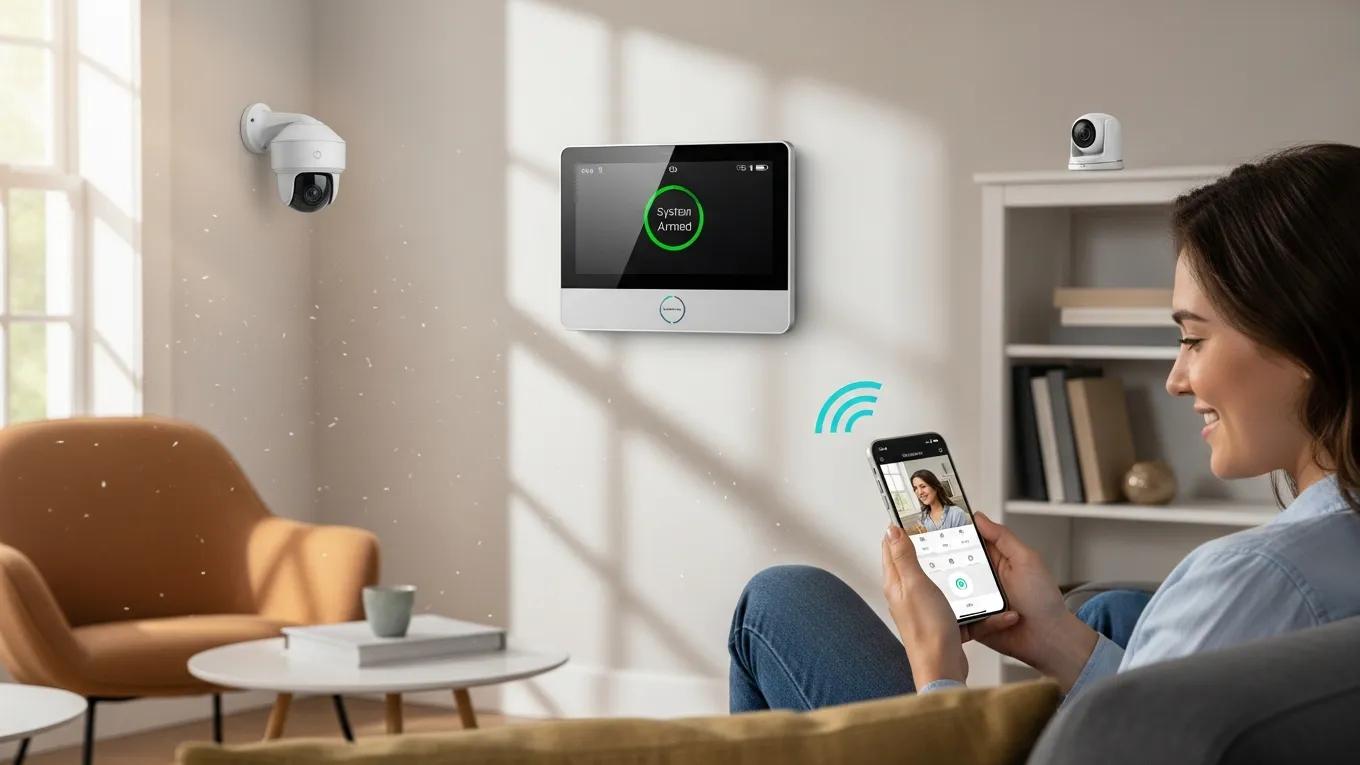
Comprehensive Security FAQ & Troubleshooting Hub for Effective Security System Support
By Alex Polazzo, Universal Protection Management
In today’s world, security systems play a crucial role in safeguarding homes and businesses. However, users often encounter challenges that require troubleshooting and expert guidance. This comprehensive Security FAQ & Troubleshooting Hub aims to provide valuable insights into common security system issues, offering practical solutions and expert advice. Readers will learn how to effectively troubleshoot alarm systems, video surveillance problems, and access control challenges. By addressing these common pain points, this article serves as a vital resource for anyone seeking to enhance their security system’s performance. The sections will cover troubleshooting alarm systems, solutions for video surveillance issues, support for access control systems, and how to contact UPM Security for expert consultation.
Effective troubleshooting often requires a thoughtful approach, combining systematic steps with a deeper understanding of the problem, as highlighted by experts.
Effective Troubleshooting Methods for Security Systems
methods to troubleshoot problems. However, following a step-by-step method without first thinking through the problem is often ineffective; we also need to couple logical procedures
Troubleshooting Techniques, 2026
How Can I Troubleshoot Common Alarm System Issues?
Troubleshooting alarm system issues involves identifying common problems and applying effective solutions. Alarm systems can experience various malfunctions, such as false alarms, failure to arm or disarm, and communication errors. Understanding the root causes of these issues is essential for restoring functionality and ensuring security. By following systematic troubleshooting steps, users can resolve many common alarm system problems efficiently.
Distinguishing between a true security threat and a false alarm is a common challenge that requires careful investigation to avoid unnecessary effort and ensure system reliability.
Resolving False Alarms in Security Systems
Astrée reports all potential runtime errors in C programs. This makes it possible to prove the absence of runtime errors, but typically users have to deal with false alarms, i.e. spurious notifications about potential runtime errors. Investigating alarms to find out whether they are true errors which have to be fixed, or whether they are false alarms can cause significant effort.
True Error or False Alarm? Refining Astrée’s Abstract Interpretation Results by Embedded Tester’s Automatic Model-Based Testing, 2014
What Are the Steps to Reset My Security Alarm System?
Resetting a security alarm system typically involves a few straightforward steps:
- Locate the Reset Button: Find the reset button on your alarm panel, usually labeled clearly.
- Press and Hold: Press and hold the reset button for a few seconds until you hear a confirmation beep.
- Re-enter Code: After resetting, re-enter your security code to rearm the system.
These steps can help restore your alarm system to its default settings, resolving minor glitches. However, if issues persist, further investigation may be necessary.
How Do I Interpret and Resolve Alarm System Error Codes?
Alarm systems often display error codes to indicate specific issues. Understanding these codes is crucial for effective troubleshooting. Common error codes include:
- Error Code 1: Indicates a low battery. Replace the battery to resolve this issue.
- Error Code 2: Signals a communication failure. Check the phone line or internet connection.
- Error Code 3: Suggests a sensor malfunction. Inspect the sensor for damage or obstruction.
By interpreting these codes accurately, users can take appropriate actions to resolve the underlying problems.
What Are the Solutions for Video Surveillance System Problems?
Video surveillance systems are essential for monitoring and securing premises. However, users may encounter issues such as connectivity problems, poor image quality, or system failures. Identifying the root cause of these problems is key to implementing effective solutions and maintaining optimal surveillance performance.
How Do I Troubleshoot Video Camera Connectivity and Image Quality Issues?
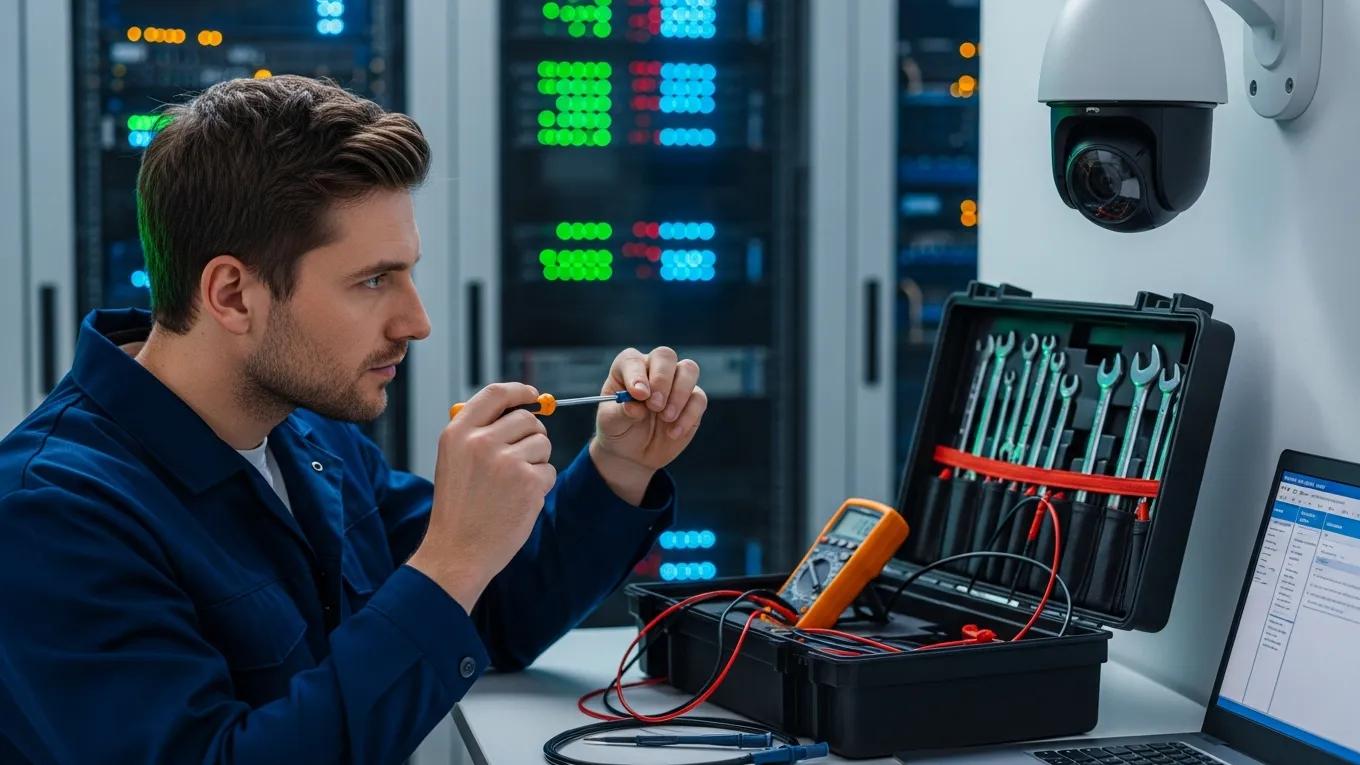
To troubleshoot connectivity and image quality issues with video cameras, consider the following steps:
- Check Connections: Ensure all cables are securely connected and undamaged.
- Restart the System: Power cycle the camera and the recording device to refresh the connection.
- Adjust Settings: Verify that the camera settings are configured correctly for optimal performance.
These steps can help restore connectivity and improve image quality, ensuring reliable surveillance.
Which Maintenance Practices Prevent Video Surveillance Failures?
Regular maintenance is crucial for preventing video surveillance failures. Key practices include:
- Routine Inspections: Regularly check cameras and recording devices for any signs of wear or damage.
- Software Updates: Keep the system’s software up to date to ensure compatibility and security.
- Cleaning Lenses: Periodically clean camera lenses to maintain clear image quality.
Effective maintenance practices are vital for the longevity and reliability of video surveillance systems, a field that has evolved significantly with technological advancements.
Video Surveillance System Maintenance & Technology
Prior to the widespread use of digital technology in security systems, a video surveillance system activated by a video motion
CCTV Surveillance: Video practices and technology, 2011
Implementing these maintenance practices can significantly reduce the likelihood of system failures and enhance overall performance.
How Do I Access Support for Access Control System Challenges?
Access control systems are vital for managing entry to secure areas. However, users may face challenges such as system errors or performance issues. Accessing support promptly can help resolve these challenges and ensure smooth operation.
What Are Common Access Control System Errors and Their Fixes?
Common errors in access control systems include:
- Error 101: Indicates a card reader malfunction. Check the reader for damage or connectivity issues.
- Error 202: Signals a database error. Restart the system to refresh the database connection.
- Error 303: Suggests a power failure. Ensure the system is connected to a reliable power source.
By understanding these errors and their fixes, users can quickly address issues and maintain system functionality.
How Can I Optimize Access Control System Performance?
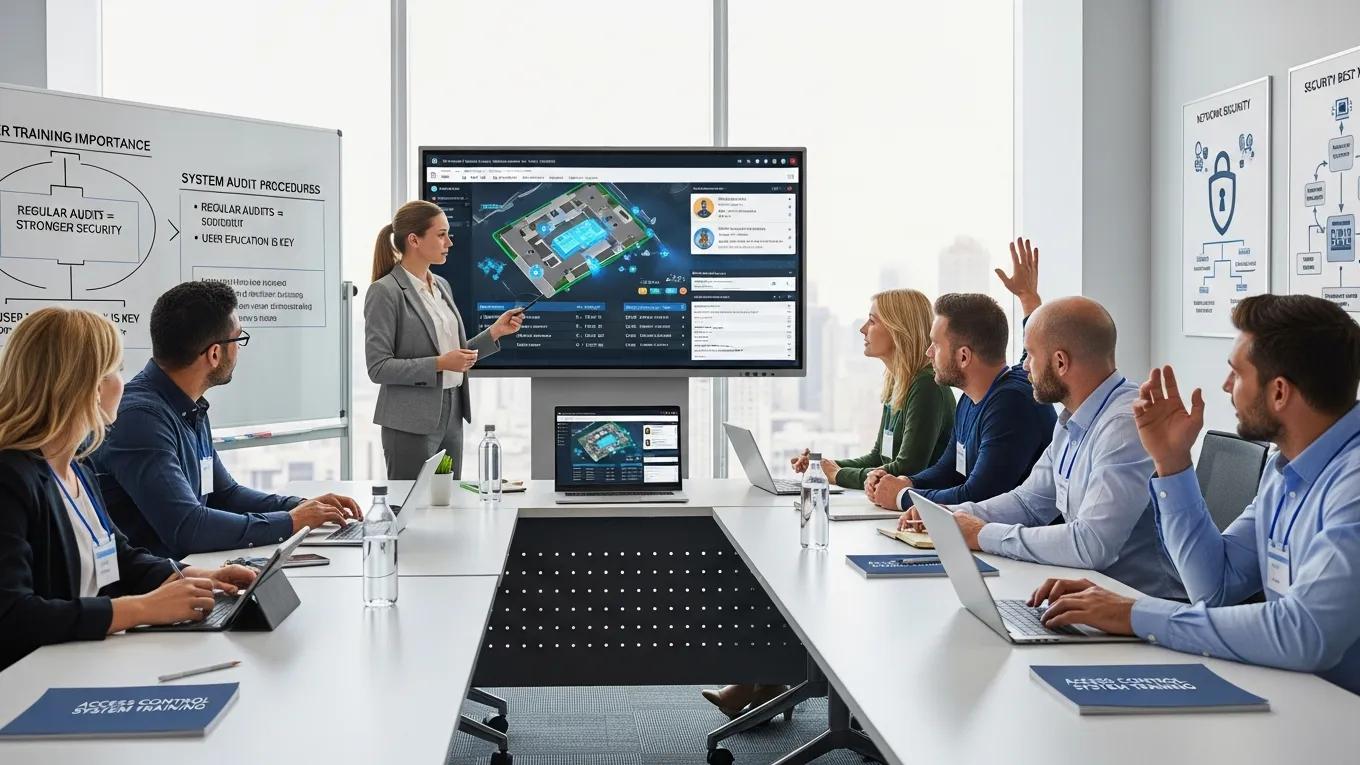
To optimize the performance of access control systems, consider the following tips:
- Regular Updates: Keep the system’s software updated to enhance security and functionality.
- User Training: Ensure all users are trained on proper system usage to minimize errors.
- System Audits: Conduct regular audits to identify and rectify any potential vulnerabilities.
These strategies can help improve the efficiency and security of access control systems.
How Can I Contact UPM Security for Expert Consultation and Service Inquiries?
For expert consultation and service inquiries, UPM Security offers various contact methods. Customers can reach out via phone or email for assistance with their security needs.
- Phone: (813) 680-5418
- Email: Security@upmflorida.com
UPM Security is dedicated to providing comprehensive support and solutions for all security system challenges, ensuring peace of mind for their clients.